

These are affiliate links. I may earn a commission from qualifying purchases.
The RiderNav R7M and R7X offer much the same everyday experience: a bright display, Apple CarPlay, Android Auto and access to navigation and music. The choice between them comes down to your bike—and whether you want to move the display between several motorcycles.
For a compatible BMW, the R7M adds integration with the bike’s Wonderwheel and onboard data. The R7X provides the universal option, with its own mounting cradle.
Having used both, I rate them highly for value. There is also a useful mounting option that makes the R7M worth considering if you own a BMW alongside another make of bike.
What They Have in Common
In my use, both units have felt very similar in their software, menus and general operation. The main distinction is the R7M’s BMW integration.
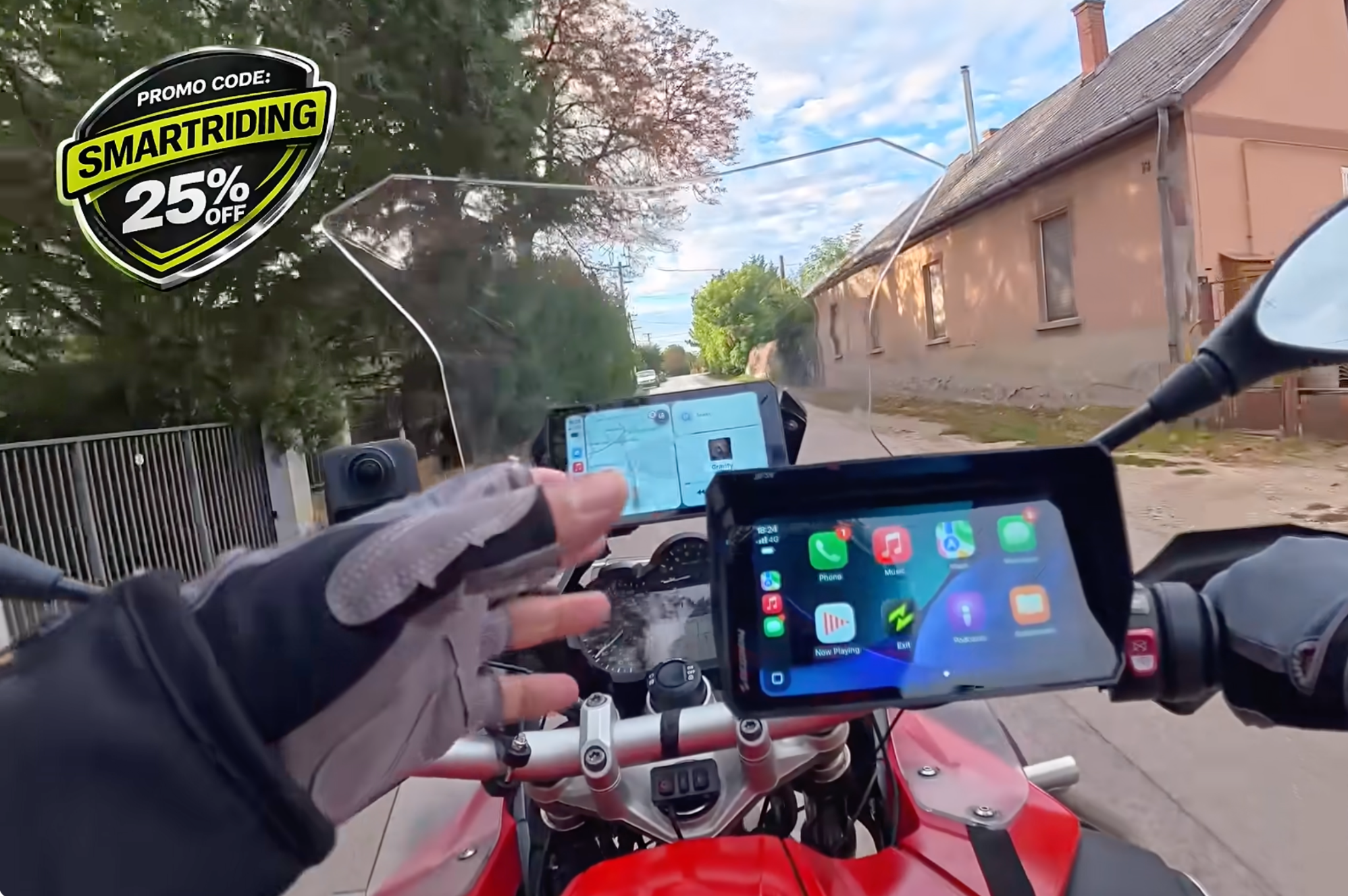
Both support Apple CarPlay and Android Auto, have displays rated at 1,200 nits and receive updates over the air. I use an iPhone, so my experience here is primarily with CarPlay.
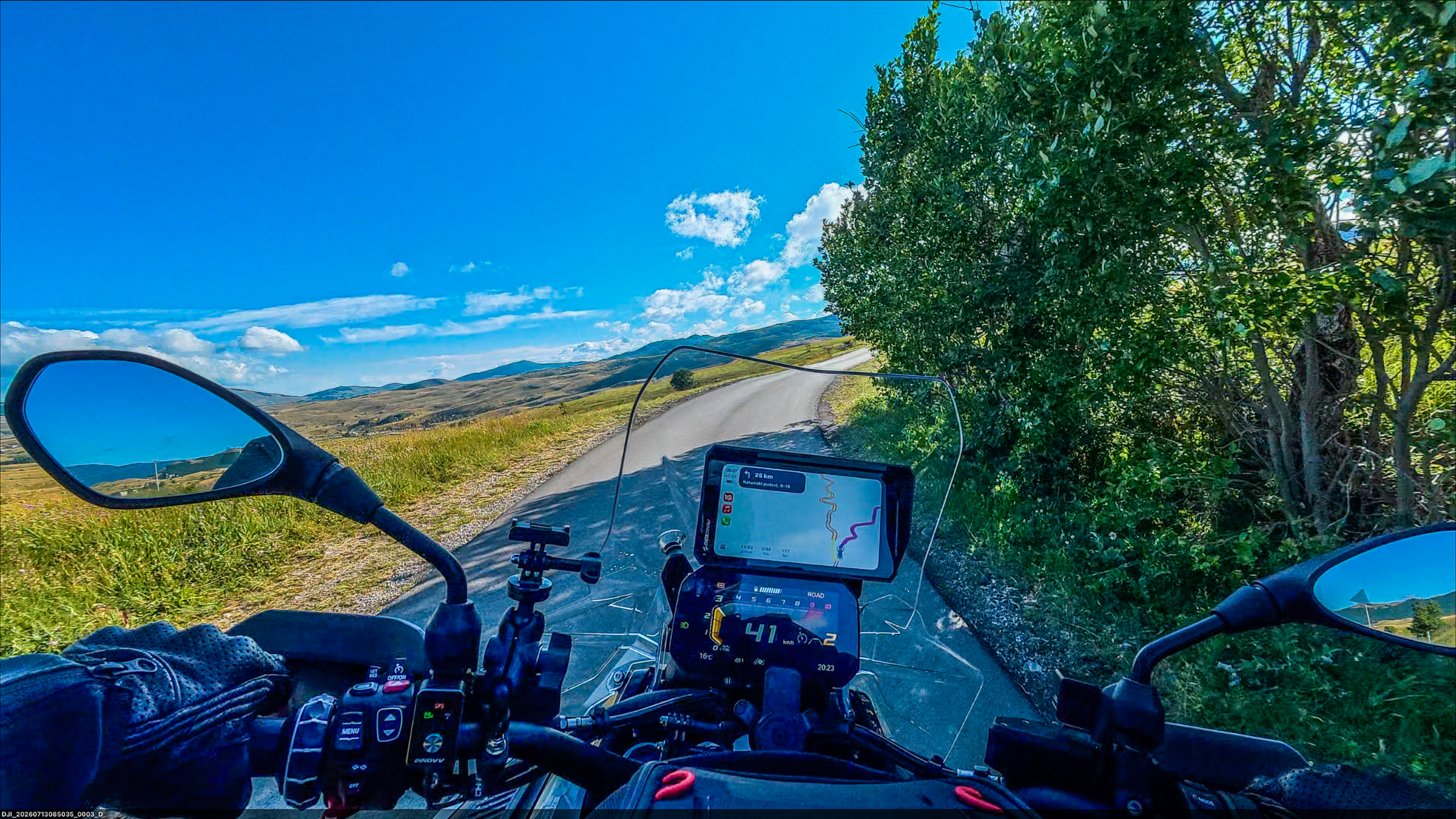
Screen clarity is one of their strongest features. Both screens remain clear and easy to read as riding conditions change, including when moving between sunlight and shade.
My preferred layout is the split view. It keeps the map alongside audio information, giving me access to navigation and music without repeatedly changing screens. Full-screen mapping is available when I want a larger view of the route.
R7M: The BMW Integration Makes the Difference
The R7M fits into the compatible BMW OEM navigation cradle. It does not include a universal mounting cradle because it is intended to use the BMW mount already on the bike.
Once connected, the Wonderwheel becomes a useful way to operate the display. I can change music tracks, move between views and switch between split-screen and full-screen mapping. Holding the wheel in the appropriate direction also lets me move between CarPlay and the RiderNav data screens.
Having those controls at the handlebar makes the display feel much more integrated with the motorcycle.
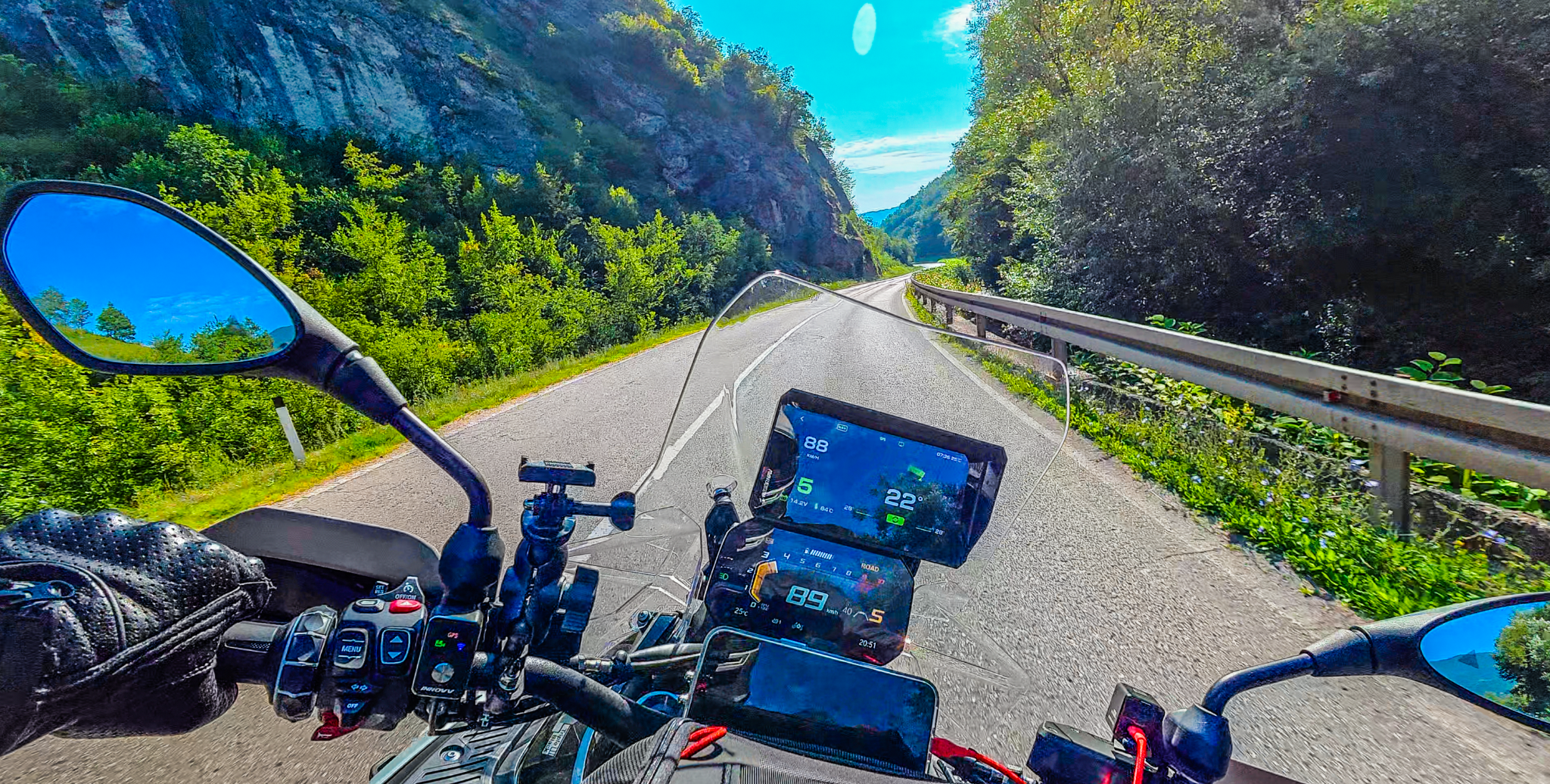
The bike-data screens are particularly welcome on an older R1200. Alongside the phone functions, they give the bike a more modern digital display, with information such as tyre pressures available through its BMW integration.
There are several layouts to choose from. My favourite for touring is the lean-angle-focused view, which I have also used on trips with my R1300GSA.
The R7M also offers controls for supported DJI, Insta360 and GoPro action cameras. Compatibility depends on the camera model, so check your particular camera if this feature matters to you.
R7X: A Universal Option With Its Own Mount
The R7X offers the same core navigation and phone-display functions without the BMW-specific integration.
It comes with a universal mounting cradle, making it the straightforward choice for a motorcycle that does not have the compatible BMW navigation setup. The touchscreen is responsive, and the menus operate much like those on the R7M.
The supplied cradle has a release mechanism and a green indicator to confirm that the unit is properly seated. In my use, it has held the display securely, including over rougher riding conditions.
You can also add optional valve-mounted tyre-pressure sensors. These provide tyre-pressure monitoring through the R7X, whereas the R7M on my BMW uses the bike’s existing tyre-pressure information.
That makes the R7X a useful way to add navigation, music and optional tyre-pressure monitoring to another motorcycle.
One Display for a BMW and Another Bike
You do not necessarily need to buy an R7M for your BMW and a separate R7X for another motorcycle. The universal R7X cradle is available separately, and it can also accommodate the R7M.
That gives you a practical arrangement:
- Use the R7M in the compatible BMW cradle for Wonderwheel control and bike data.
- Fit a universal cradle to your other motorcycle.
- Move the R7M between them as needed.
On the other bike, the R7M works as a universal display. You retain its core phone-display functions, but BMW data and Wonderwheel control depend on its connection to the BMW.
For someone with a compatible BMW and another make of motorcycle, this is the option I would look at first. It gives you the BMW functionality where it is available and lets you use the same display elsewhere.
If your bikes do not need BMW integration, the R7X with an additional cradle offers a similar way to move one unit between motorcycles.
R7M or R7X?
| Your setup | My choice |
|---|---|
| A BMW with a compatible OEM navigation cradle | R7M, for Wonderwheel control and bike data |
| A motorcycle without that BMW setup | R7X, with its supplied universal cradle |
| A compatible BMW plus another make of bike | R7M plus an additional universal cradle |
| Several bikes without BMW integration | R7X plus additional cradles |
Choose around the bikes you own. For a compatible BMW, I would choose the R7M because its integration is a major part of the benefit.
My Experience and Verdict
I have considerably more riding time with the R7M than the R7X. My R7M experience includes regular use and touring, while I have covered around 1,000 miles with the R7X.
Both have impressed me with their display clarity and everyday operation. The R7M stands out on a BMW because of the Wonderwheel controls and access to bike data. The R7X gives riders of other motorcycles a similarly useful display without needing that BMW connection.
That combination of usability, clear screens and price is why I named them my best-value display choices for 2026.
For BMW owners, the R7M is my pick. For other bikes, the R7X is a strong standalone option. And if you own both, the ability to use the R7M with a universal cradle could make one display enough.